
Start saving time
with smart notes
From audio and documents to videos and images. NoteBase turns any content into summaries, flashcards, and action items.
 AI Chat
Ask anything about your notes
 Summaries
Get instant summaries from your notes.
 Meeting Notes
Get clear action items from meetings.
 Privacy
Secured with end-to-end privacy protection.
 Flashcards
Turn your notes into interactive cards.
 AI Notes
Smart notes from your audio, text, and files.
 Send to Notion
Send your notes straight to your Notion workspace.
 Translate
Translate any note into 100+ languages.
 AI Templates
Format your notes with smart AI templates.
 Device Sync
Access your notes on any device.
 Exam Room
Test your knowledge with custom practice tests.
 Organized Notes
Keep your notes structured and easy to access.
 YouTube Video
Generate notes from any YouTube video.
 Save Time
Save hours of work with NoteBase.
Smarter Way to
Take Notes
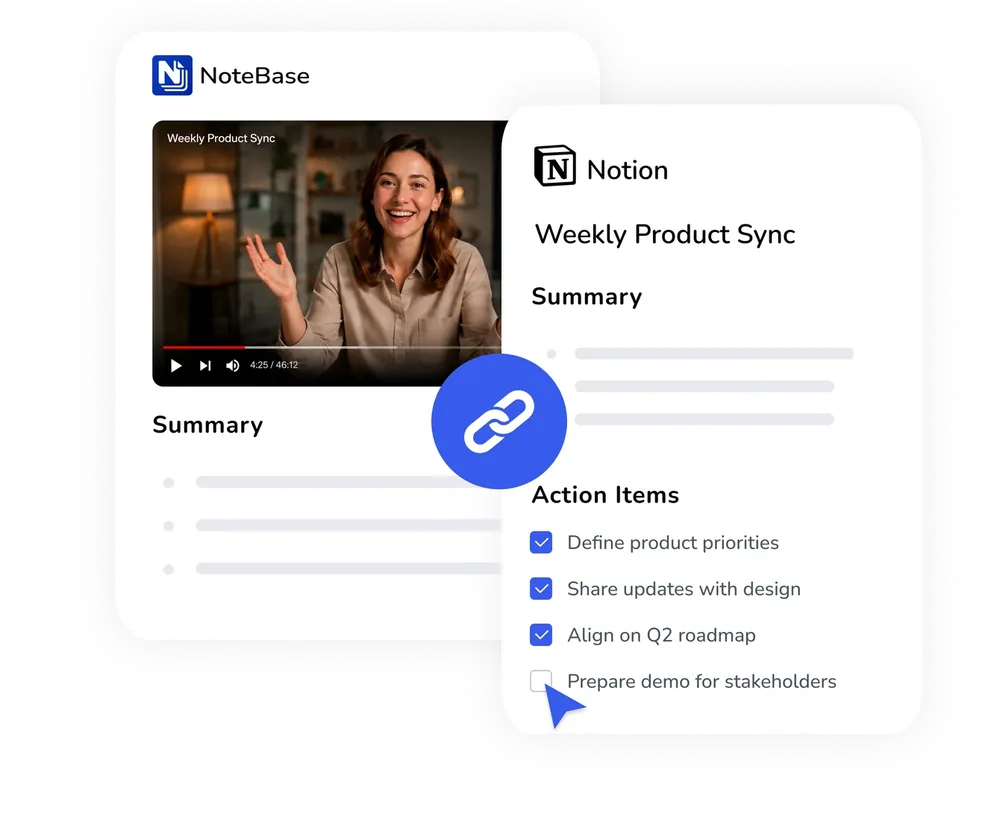
Send your notes
directly to  Notion
Export transcripts, summaries, and action items straight to your Notion workspace.
- Keep your workflow connected and clutter-free
- Clean formatting & structure preserved
- Save hours of manual work every week
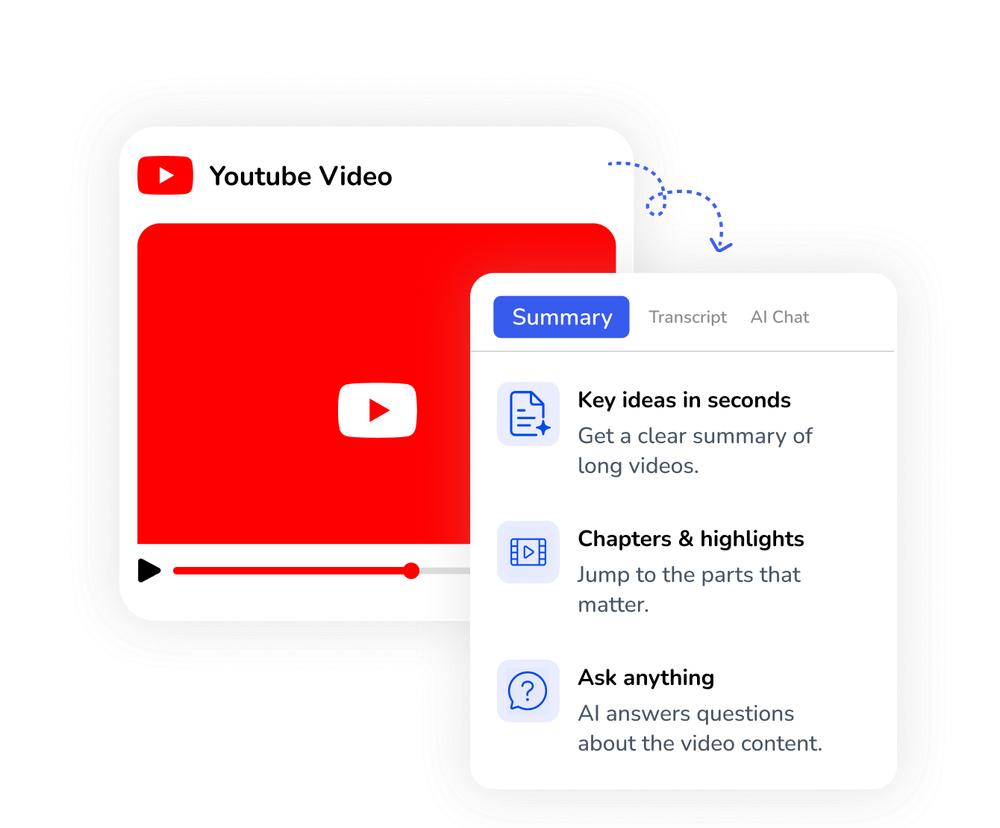
Turn YouTube videos into
notes you can use
Paste any YouTube link and let NoteBase turn the video into clear, searchable knowledge.
- Accurate transcripts with timestamps
- Smart summaries and key takeaways
- Ask AI anything about the video
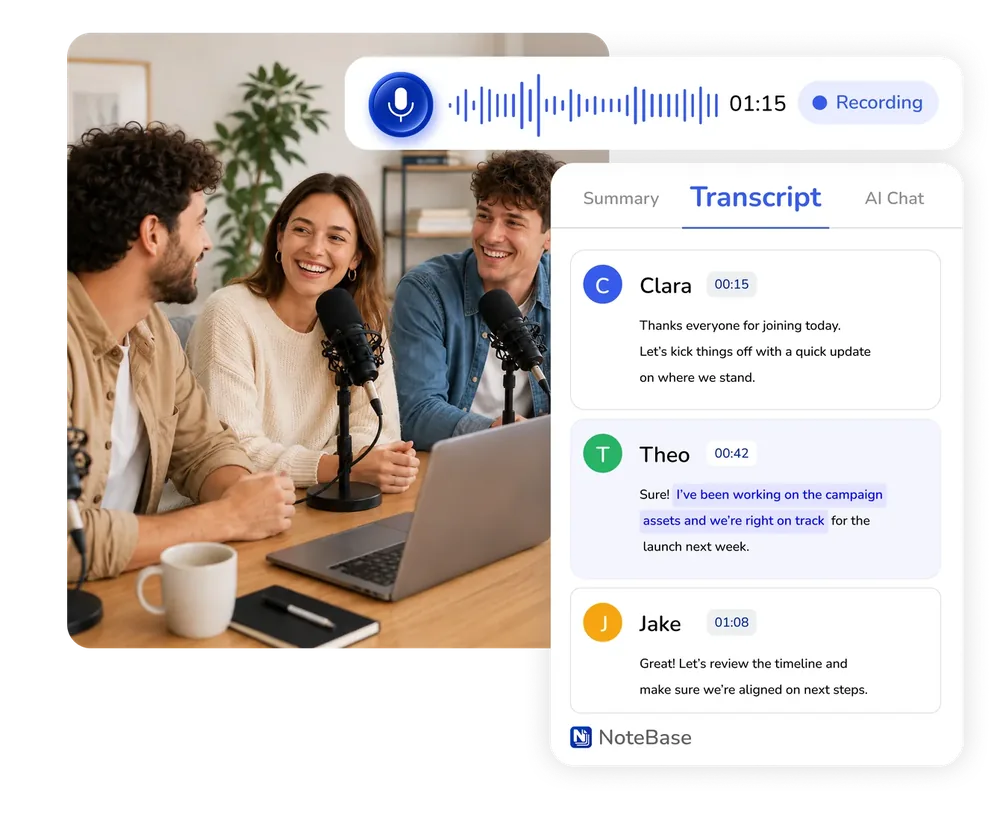
Turn 1 hour of audio
into 1 minute read
Record or upload audio to get a fast, accurate transcript and a smart summary.
- Capture every detail from meetings and lectures
- Transcribe and summarize in 100+ languages
- Summarize, edit and export your notes
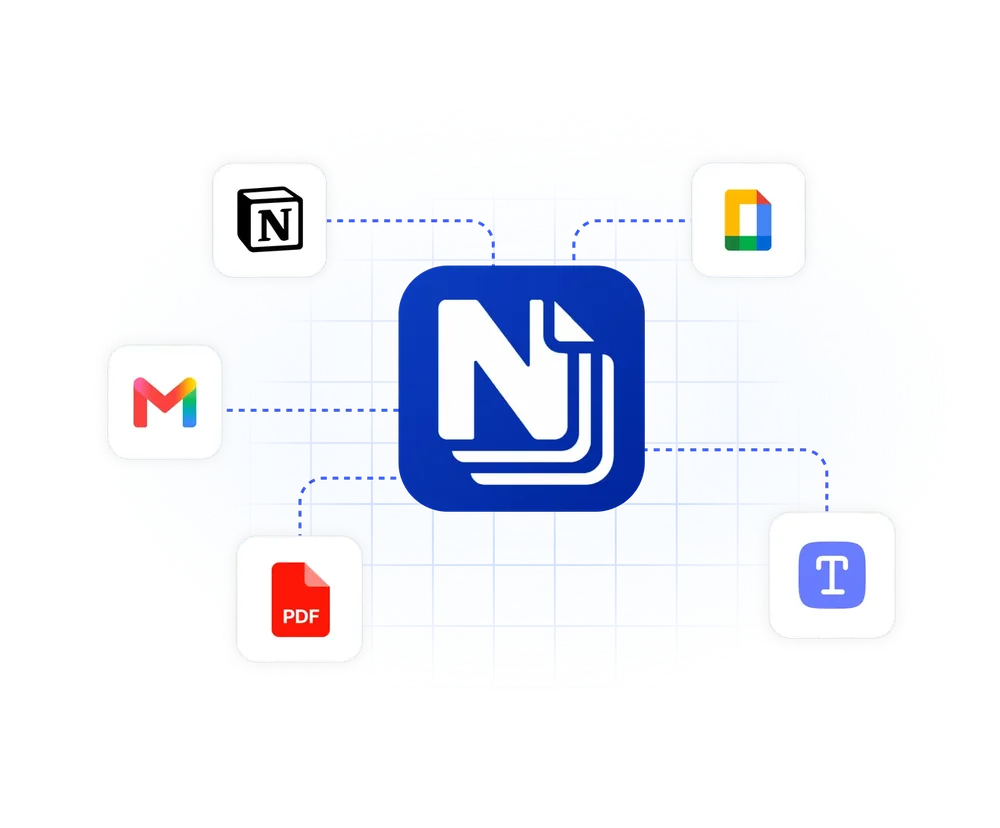
Access and use your notes
across your workspaces
Seamlessly export your insights to Notion, your favorite tools, or save them as a PDF.
- Send notes directly to Notion, email, and more
- Export as PDF, TXT and other formats
- Turn insights into action with zero manual work
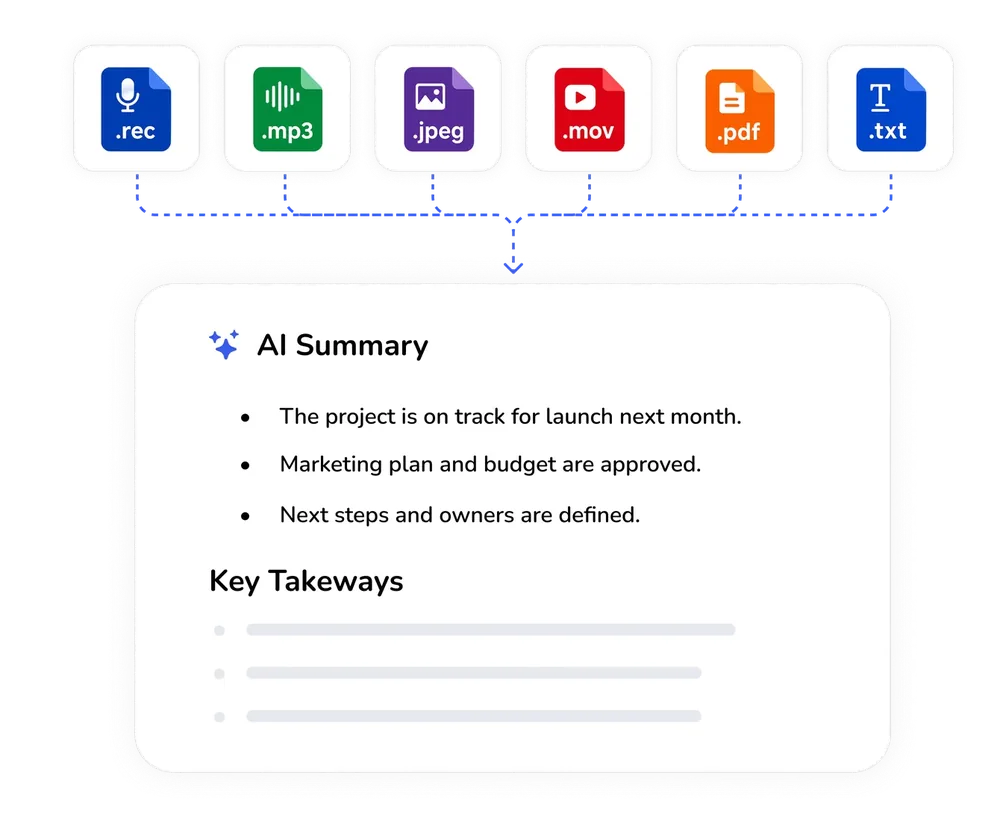
Upload any file,
get structured notes
Import files, images, videos, and text, and turn them into useful notes.
- Import PDFs, images, audio, or text
- Create smart summaries and extract insights
- Keep everything in one place, ready whenever you need it
Built for those who
Learn, Work, and Create
I used to spend hours every week formatting my notes. The summaries are perfectly structured, and the one-tap export to my Notion workspace is amazing. It has literally eliminated all my busywork.
Mare T.
As a student, I have to go through hours of audio and video every week. Being able to just drop a file and get perfectly organized notes in seconds is an absolute lifesaver.
David L.
I frequently have meetings in both Spanish and English. This app transcribes and summarizes the audio, picking up every single detail. It's incredibly useful and saves me a great deal of time.
Carlos M.
- Built for meetings, lectures, and ideas
- Turn any source into smart notes
- 100+ languages supported
- Chat directly with your notes
Private by default,
with top-tier security
Your data stays yours. We combine SSL encryption, and GDPR compliance, to guarantee your information is always protected.


Frequently Asked Questions
What is NoteBase?
NoteBase is an AI-powered workspace designed to turn any audio, video, or document into structured, actionable notes. Whether you're recording a live meeting, uploading a lecture, or importing a PDF, NoteBase extracts the most important insights. It's your ultimate tool to turn hours of content into a 1-minute read, helping you build a smart, searchable note library.
How accurate is NoteBase transcription?
NoteBase uses advanced AI to transcribe audio and video with precision, capturing every crucial detail. It supports over 100 languages and handles bilingual conversations. This ensures you get highly accurate transcripts and summaries that are ready to use, without the need for manual corrections.
Can I export my notes to Notion?
Yes, we know how important your existing workflow is, so we made exporting notes easy. With a single tap, you can push your notes directly to your Notion workspace. NoteBase preserves all your formatting (headers, bullet points, and structures).
Is NoteBase available on web and mobile?
Yes! You can use NoteBase anywhere. Download our mobile app or log in to our website to capture voice memos, scan documents, or upload files while you're on the move. Your workspace is always synced and ready whenever you are.
What types of files can I upload?
NoteBase supports a wide variety of formats, including audio files, YouTube videos, PDFs, TXT files, and images.
Your All-in-One
AI Note Taker for Mobile

Download on the App Store
Get NoteBase for iPhone and iPad.


Get it on Google Play
Get NoteBase for Android devices.


Turn meetings, lectures, and documents into clear notes and insights with NoteBase.
Try for free today.